 TradeJournal
Log it while you remember why
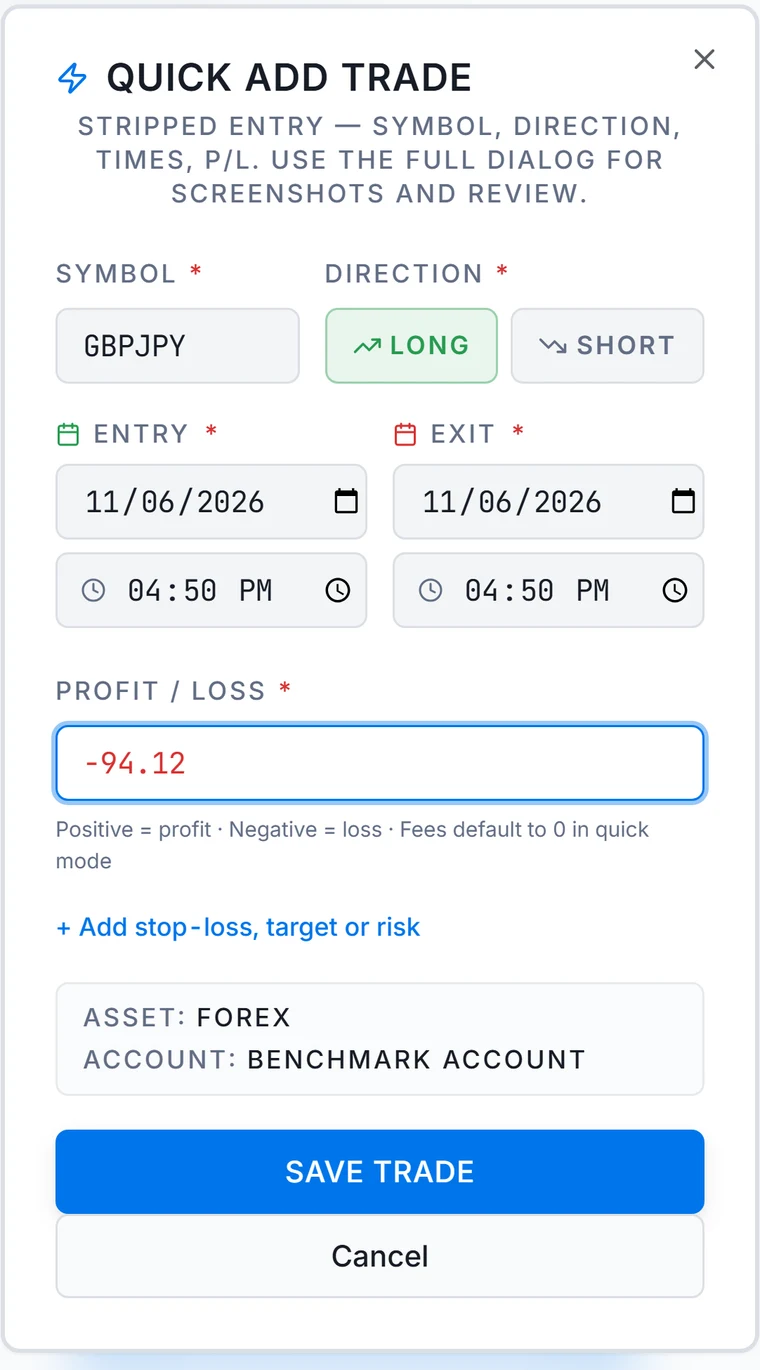
Add the symbol, direction, times and result from your phone's browser or your desk. Net P/L is worked out in your account currency. On Pro, you can import broker statements instead.
TradeJournal is a forex trading journal for South African traders. Log every trade, review it against your own plan, and see your own history by weekday and pair.
Free plan: 1 account, 100 trades a month, no card needed. Priced in rand, with session times in SAST.

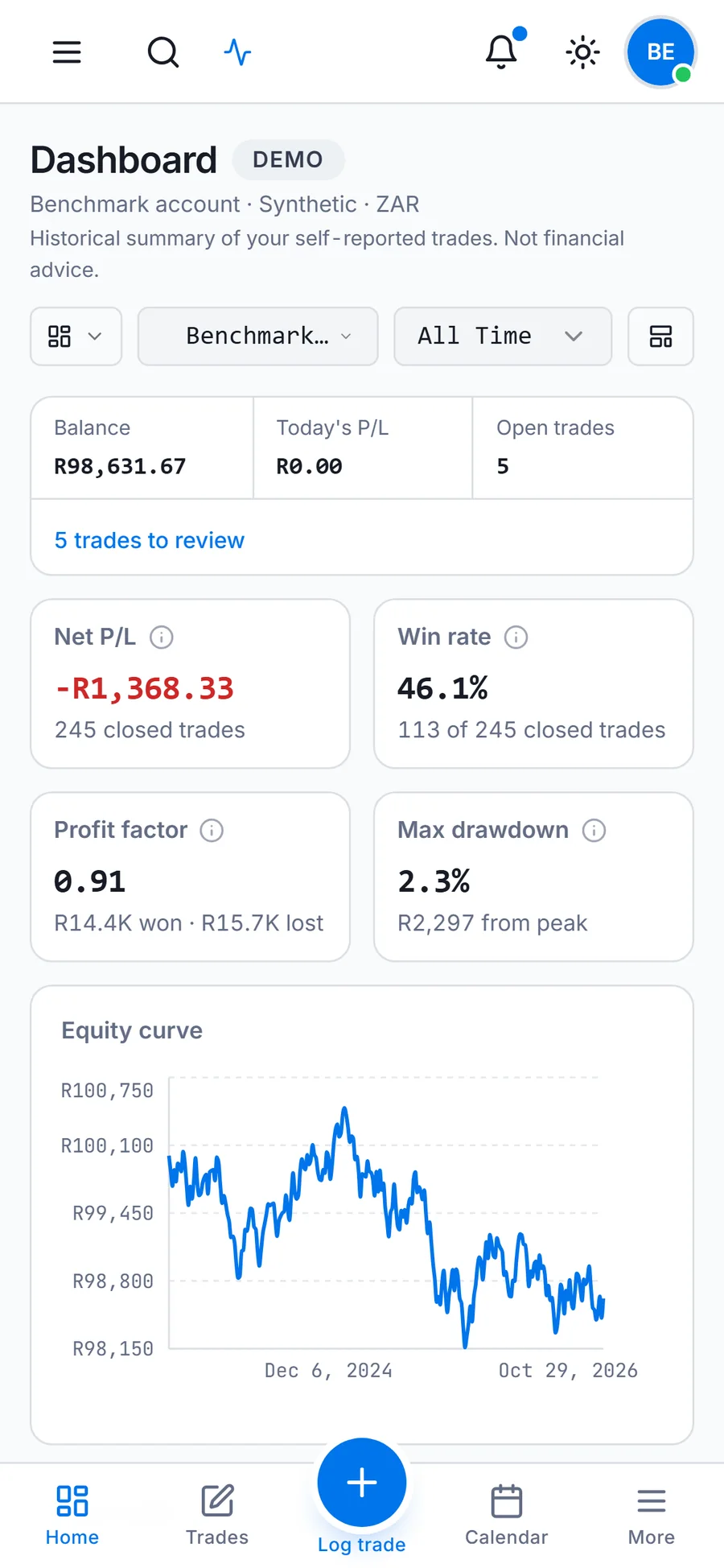
Real screen from the app. Sample data, demo account.
Add the symbol, direction, times and result from your phone's browser or your desk. Net P/L is worked out in your account currency. On Pro, you can import broker statements instead.
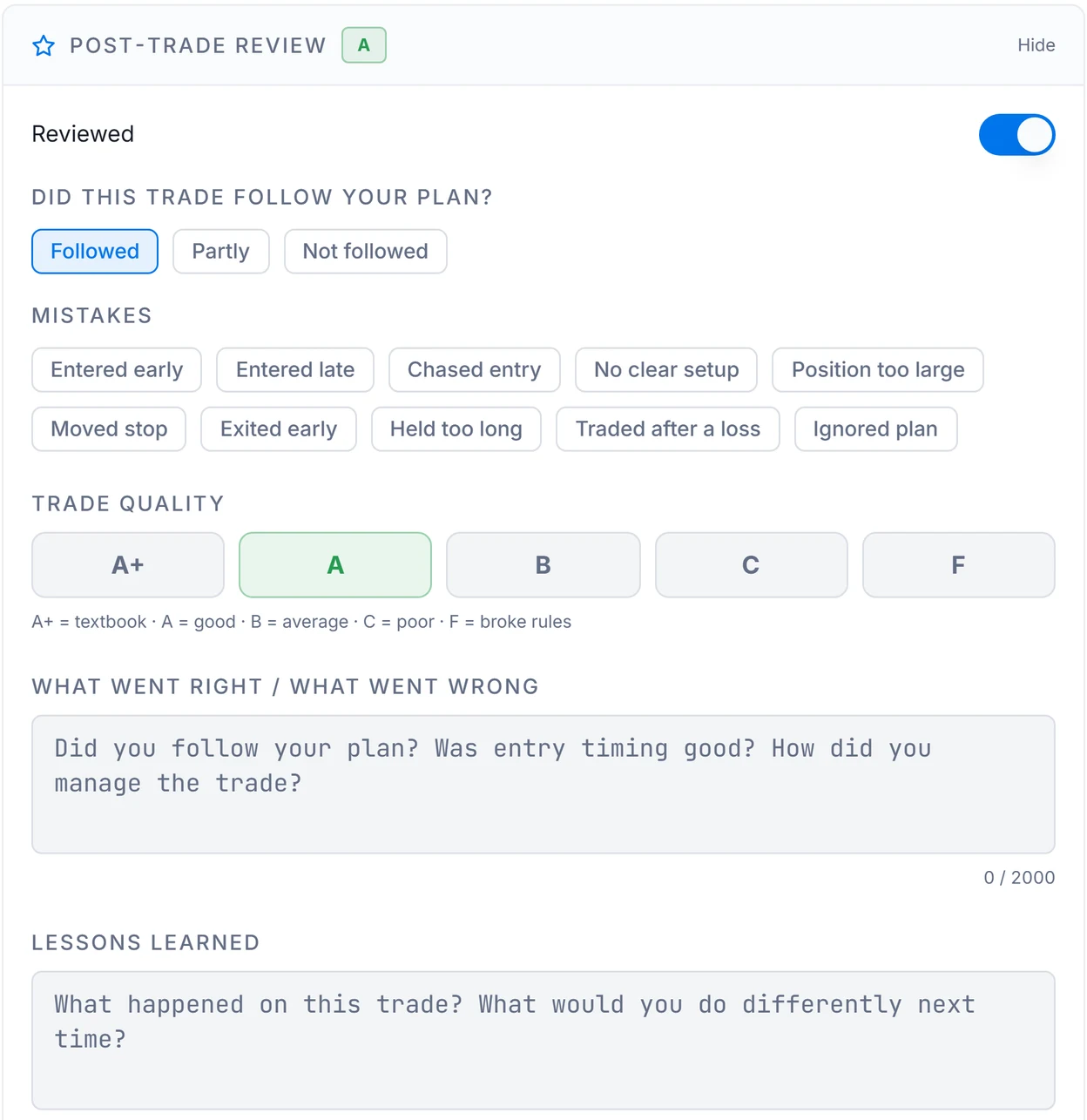
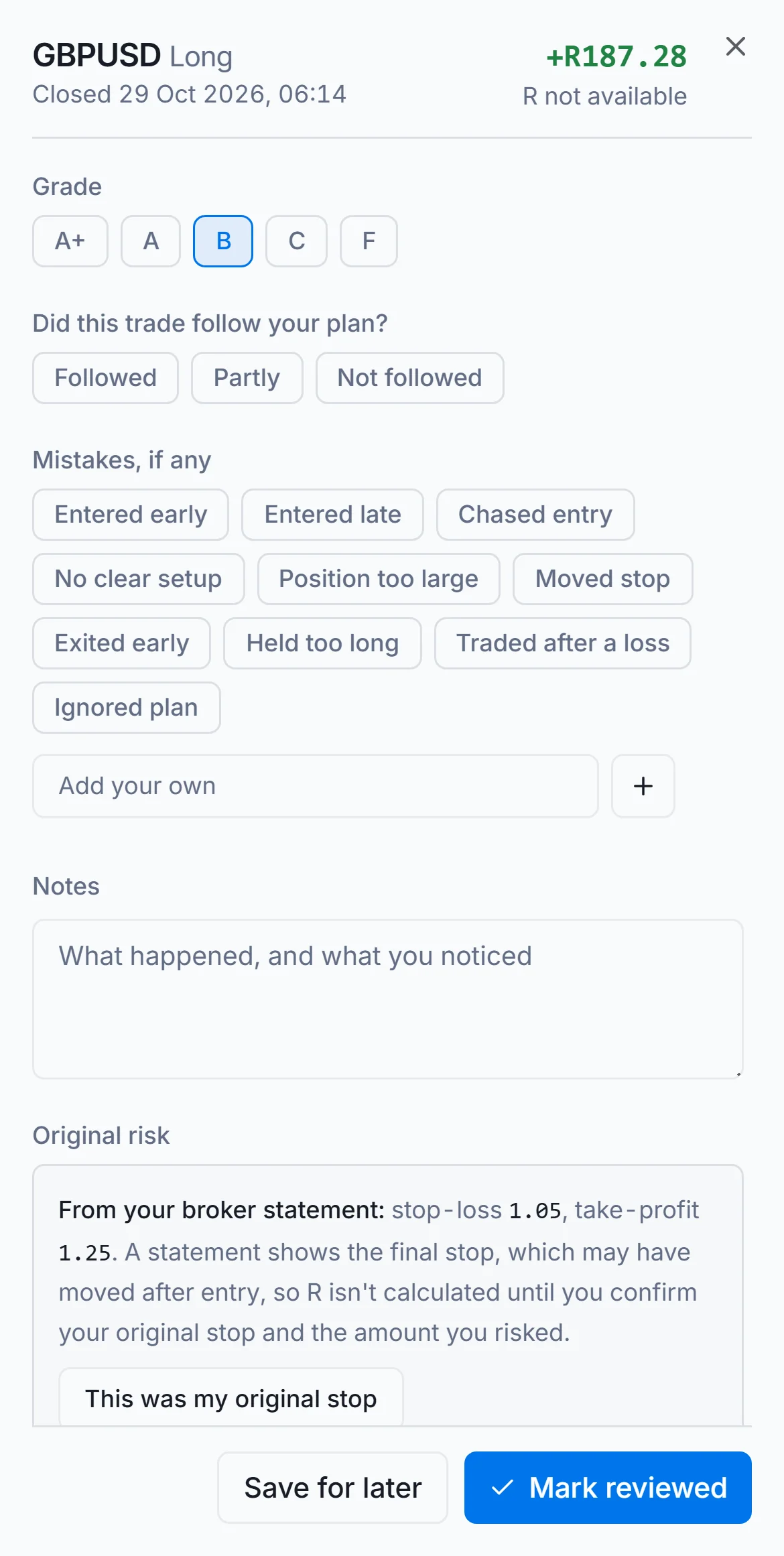
Did it follow your plan? What went wrong? Give it a grade from A+ to F. It works on every plan, including Free.
Your own closed trades, grouped by weekday and pair. A record of the past, never a forecast.
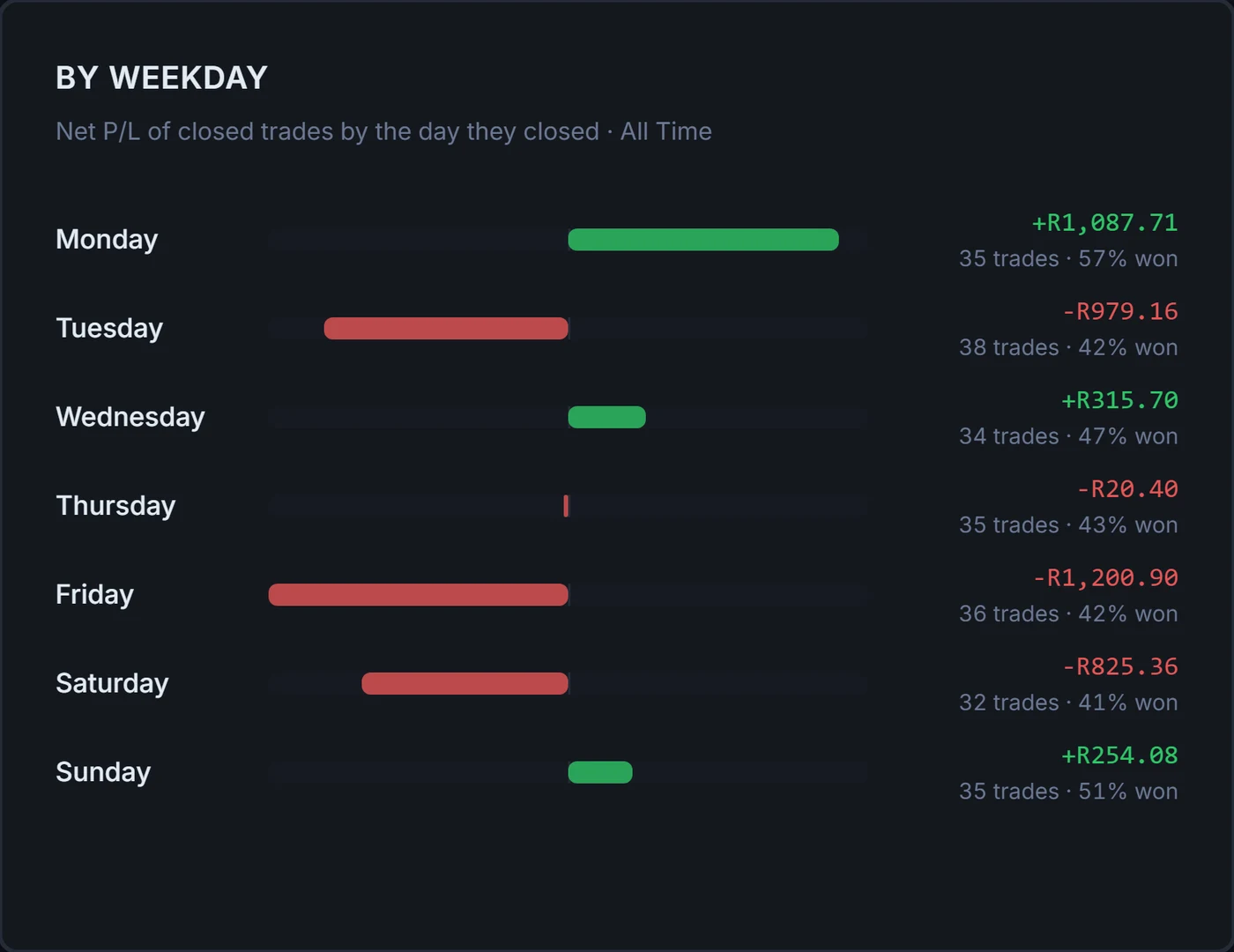
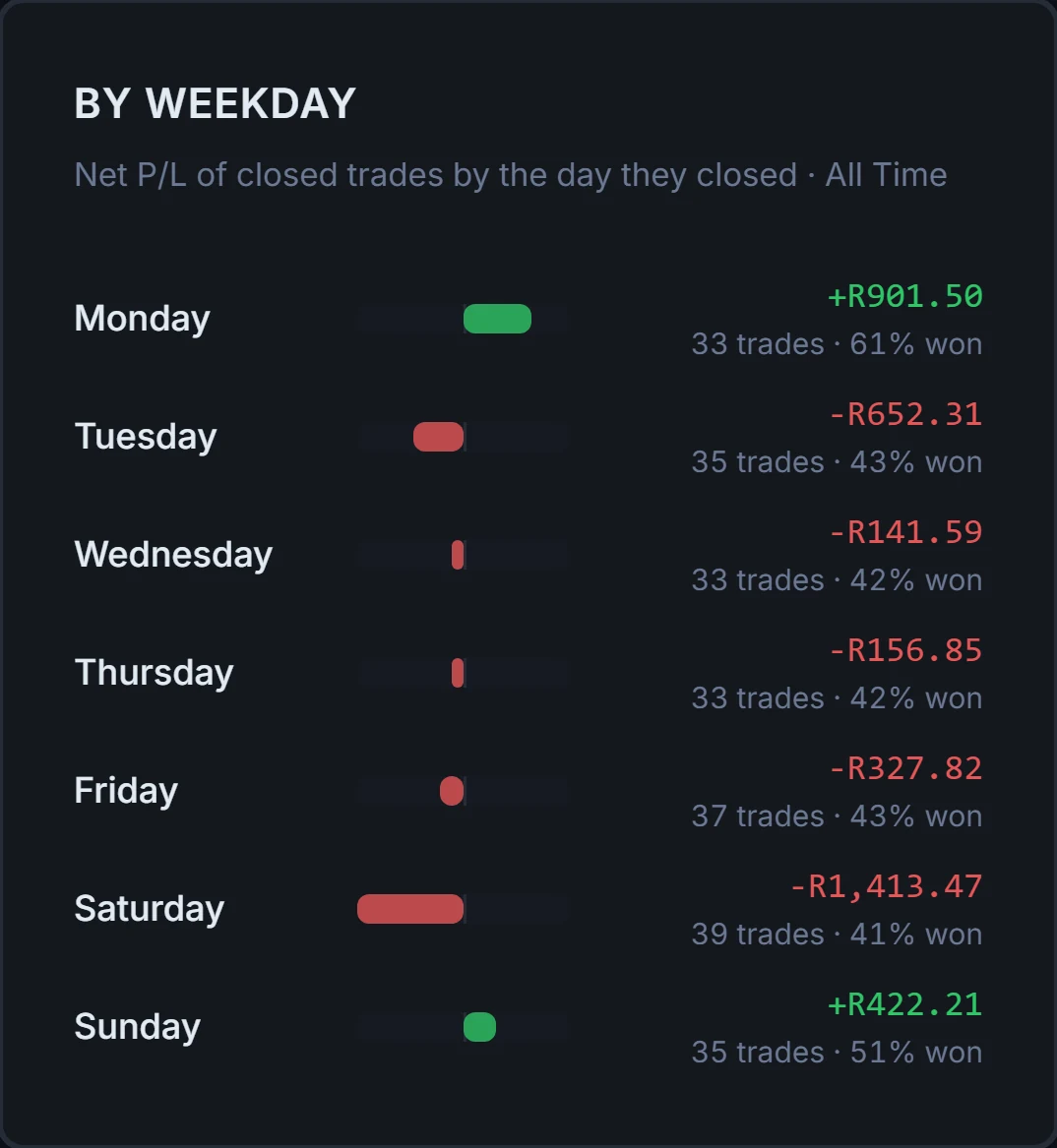
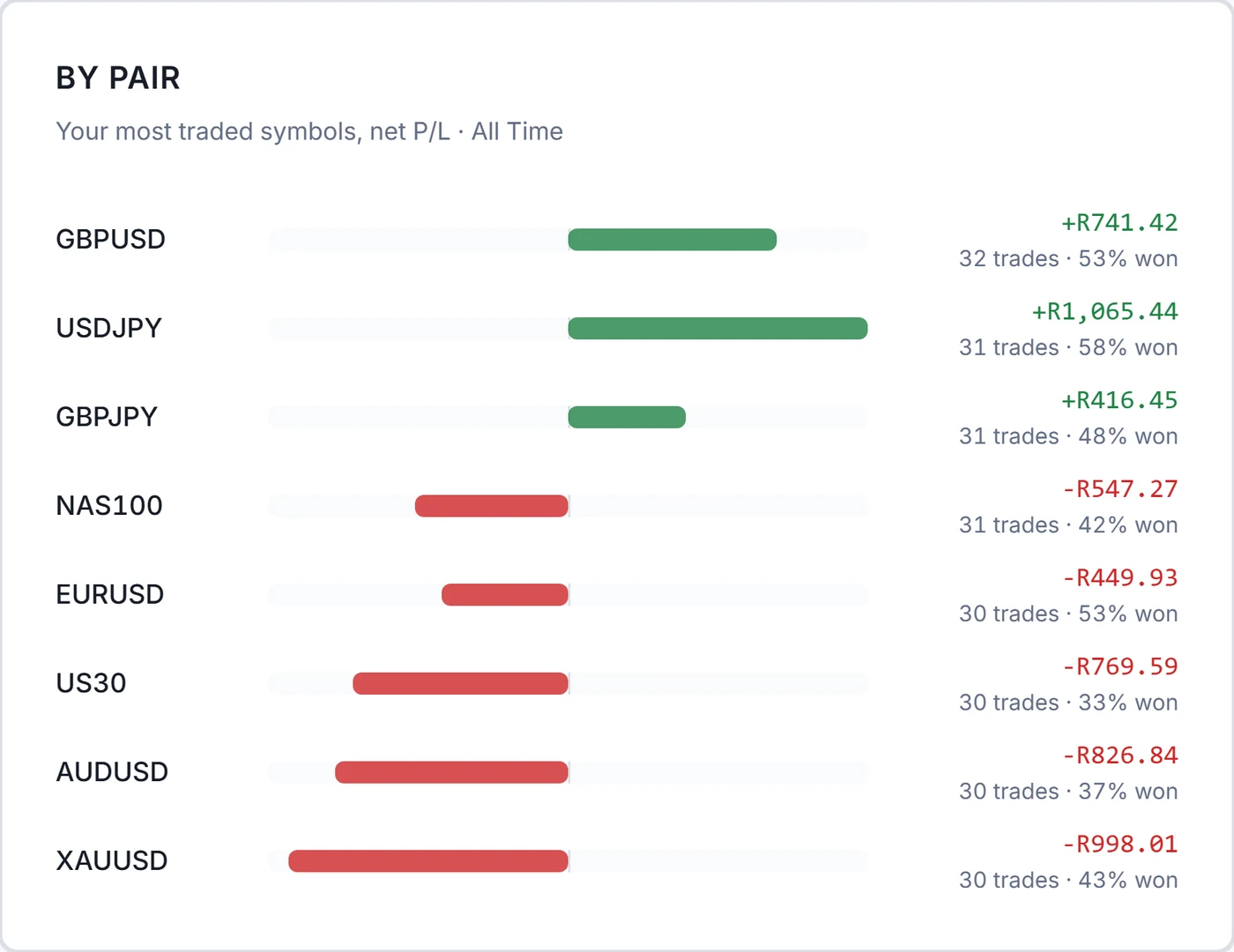
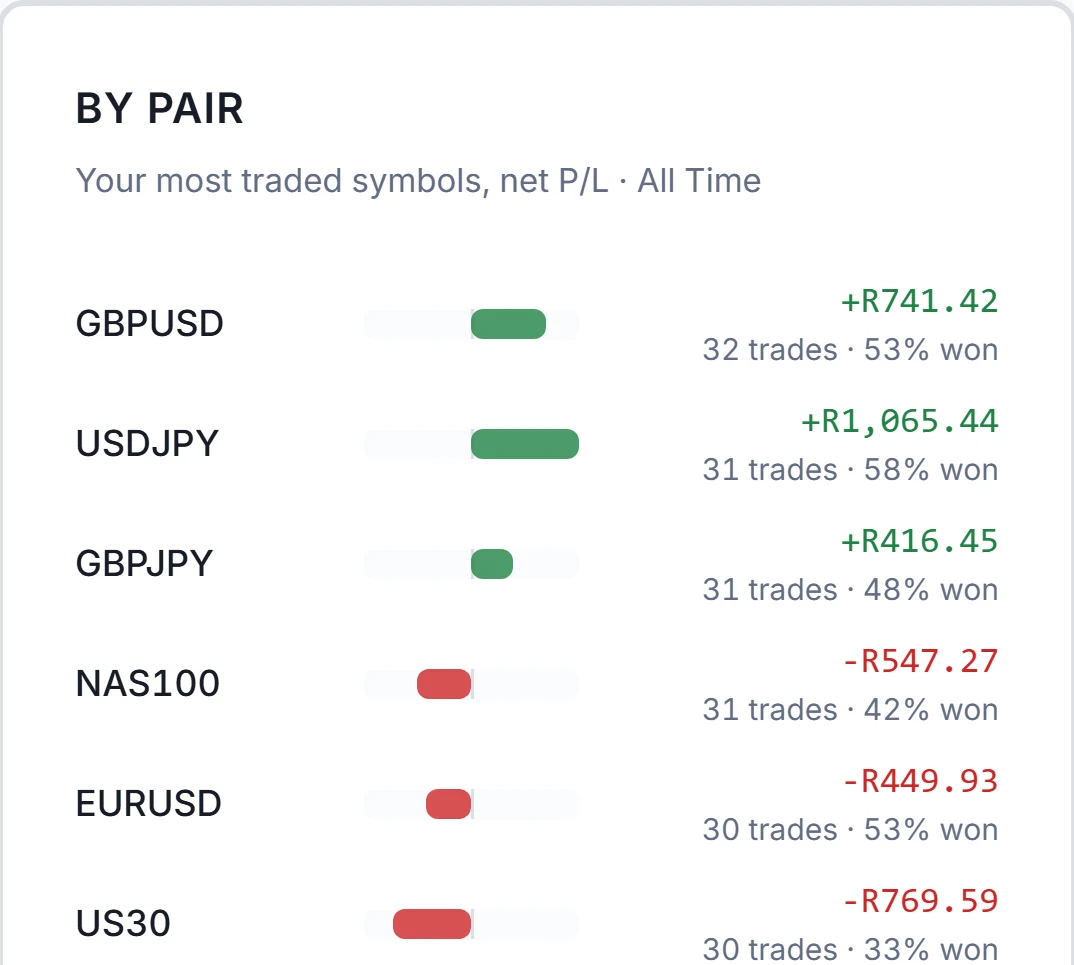
Real screens from the app, using sample data in a demo account.
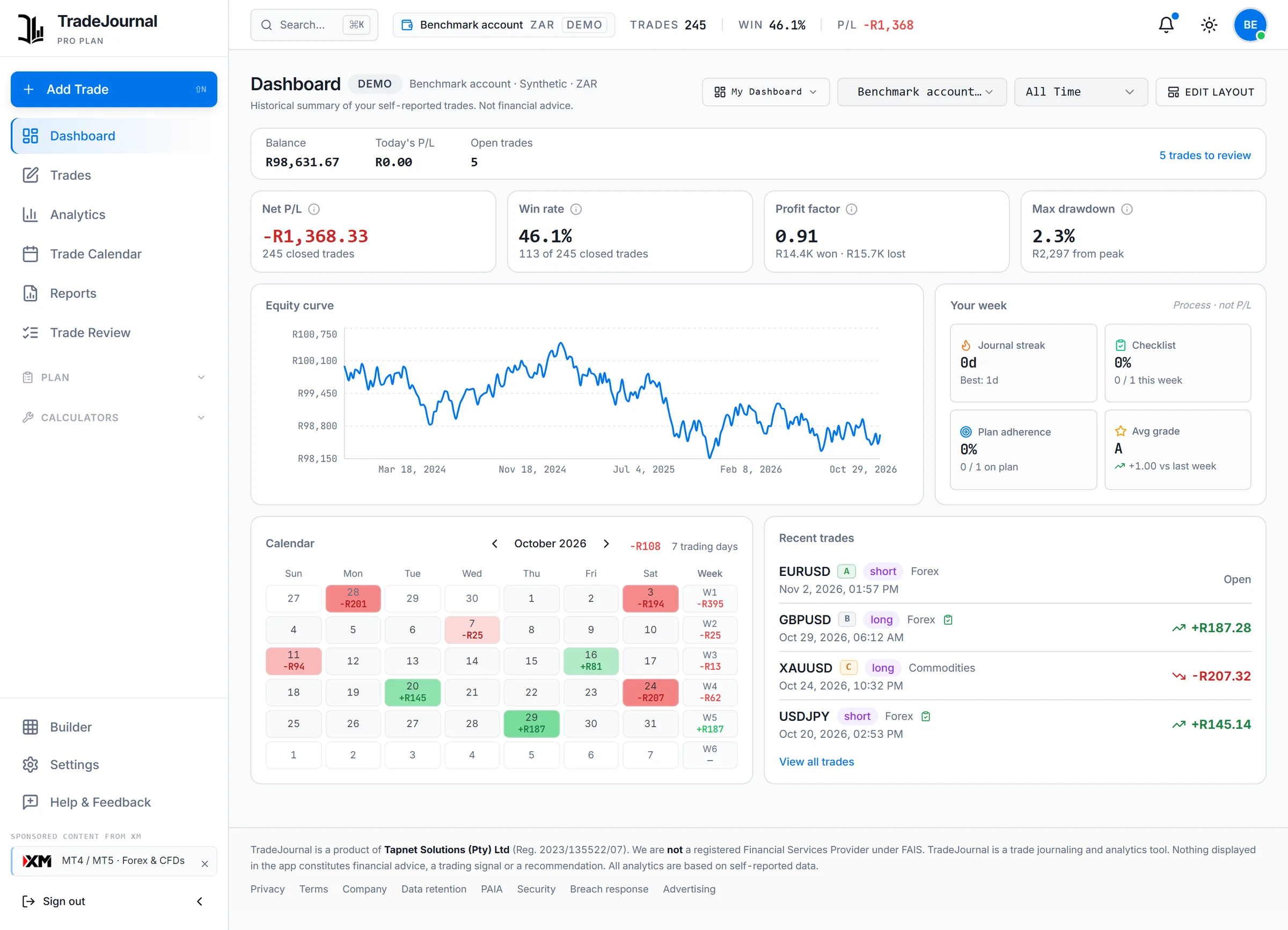
Four screens you would use every week, exactly as the app shows them. Sample data from a demo account.
Net P/L, win rate, profit factor and drawdown from your own closed trades, beside your equity curve and calendar. Shown here on Pro.
One account and 100 trades a month, with no card.
From your phone's browser or at your desk.
Your history builds itself as you log.
Priced in rand and paid through PayFast. Every session is shown in SAST, adjusted when London and New York change their clocks.
Three plans, set by how you trade. Each one says who it suits.
For building the habit on one account.
R0
No card. No time limit.
Start freeFor a weekly review across a few accounts.
R199
a month, renews until you cancel
Start free, then upgradeFor imports, prop-firm accounts and your own dashboards.
R499
a month, renews until you cancel
Start free, then upgrade14 days of Pro free. R0 today, cancel any time before day 14.
TradeJournal records your trades and summarises your history. It gives no signals, predictions or advice, and it has no AI.
A private, web-based trading journal. You log your trades (or import broker statements on Pro), grade and review each one, and TradeJournal calculates statistics from your own history: win rate, profit factor, drawdown, and performance by weekday, pair, tag, strategy and session. It describes what happened in your trading. It does not tell you what to trade.
Create a free account and you land straight in the journal. The Free plan has no time limit and needs no card. You only add payment details if you choose to upgrade to Basic or Pro inside the app.
Yes, on the Pro plan. TradeJournal reads statements and exports from MetaTrader 4, MetaTrader 5, cTrader, TradeLocker, OANDA, FxPro, NinjaTrader, TradingView, Generic CSV / JSON. You see a preview before anything is saved, and each import can be undone. On Free and Basic you log trades by hand.
No. TradeJournal calculates statistics from the records you keep and shows them back to you. There is no AI analysis, no signals and no recommendations about what, when or how much to trade.
Free costs nothing. Basic is R199 a month or R1 990 a year. Pro is R499 a month or R4 990 a year. Prices are in rand and exclude VAT; VAT will be added once Tapnet Solutions is VAT-registered.
Yes. Create a free account, then start a 14-day Pro trial from the pricing page inside the app. PayFast registers your card for R0.00, nothing is charged during the 14 days, and the app reminds you a week before the first payment of R499 a month. Cancel before then and you pay nothing, and you go back to the plan you were on. One trial per person.
Go to Settings, then Billing, then Cancel. You keep your plan until the end of the period you paid for, then move to the Free plan. Your trades stay in your journal.
Free for 1 account and 100 trades a month. No card needed.
Start free


